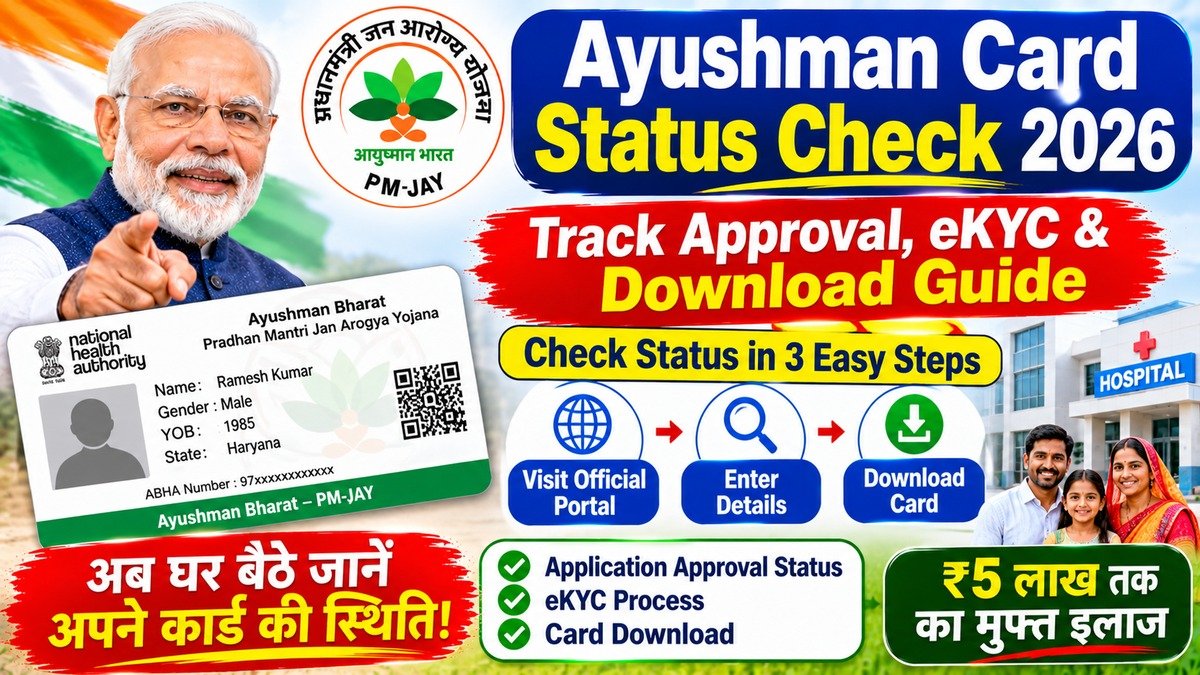
Check your Ayushman Card status online in 2026 using Aadhaar or mobile number. Learn how to fix pending eKYC and download your health card.
Waiting to find out if your Ayushman Bharat health card application has been approved after completing biometric verification can cause needless anxiety when medical emergencies loom overhead. If you submitted your details online or at a Common Service Centre (CSC) and want to confirm whether your Golden Card is ready for cashless hospital admissions, tracking your approval status is straightforward once you know the exact portal steps.
What is Ayushman Card Status Tracking?
The Ayushman Card status check is an online verification feature provided by the National Health Authority (NHA) on the official beneficiary portal. It allows citizens to track the real-time processing stage of their PM-JAY application, verify whether eKYC has been successfully approved, and instantly download their digital health card once generated.
Key Benefits of Checking Status Online
- Real-Time Tracking: Instantly see if your application is approved, pending, or requires re-authentication.
- Immediate Digital Download: Download your verified Ayushman Golden Card as a PDF the moment approval is granted.
- Zero Intermediary Hassle: Avoid visiting physical government offices just to ask about application progress.
Eligibility & Verification Requirements
- Must have an existing application or eligible household record under SECC 2011 or state welfare databases.
- Must have an active Aadhaar-linked mobile number to receive OTP verification codes during status lookup.
Documents Required & Free Lead Magnet
📦 FREE DOWNLOAD: Ayushman Card Error Resolution Guide Troubleshoot common status rejection reasons like photo mismatches, name discrepancies, and failed Aadhaar biometric eKYC in 3 simple steps.
Keep these ready before checking your status:
- Aadhaar Card number
- Registered mobile number
- State and District selection details
How to Check Ayushman Card Status Online (Step-by-Step)
- Visit the official beneficiary portal at beneficiary.nha.gov.in.
- Log in using your mobile number and complete the OTP authentication.
- Select your State, District, and search by Aadhaar number or family ID.
- Locate your name in the search results table and check the status column (Approved, Pending, or Identified).
- If marked as approved, click on the download icon to save your digital Ayushman Card.
Common Mistakes and Things to Watch Out For
- Using Unlinked Mobile Numbers: Entering a mobile number not connected to your Aadhaar profile, which blocks portal login.
- Ignoring Pending eKYC: Mistaking an “Identified” status for an active card; identified records require completing eKYC before the card is approved.
- Name Spelling Discrepancies: Not matching exact name spellings on Aadhaar versus ration database records.
Frequently Asked Questions (FAQs)
1. What does ‘Approved’ status mean on the portal? It means your eKYC is successful and your digital Ayushman Golden Card is ready to download for cashless hospital use.
2. Why is my status showing ‘Pending’? Pending status indicates your application is awaiting verification by state health agency approvers or requires physical CSC re-verification.
3. Do I need to pay any fee to check my status? No, checking your status and downloading your digital card on the official portal is 100% free.
4. Can I get hospitalized if my status is ‘Identified’ but not yet ‘Approved’? No, cashless treatment requires a fully approved Golden Card status. Complete your eKYC immediately to get approval.
5. What is the official website for status tracking? Track your status exclusively on beneficiary.nha.gov.in.
Conclusion
Don’t wait until an emergency hits to verify your coverage. Visit beneficiary.nha.gov.in today, check your Ayushman card status, and download your digital health pass.